



HPE Replacement Parts Distributor
HPE Replacement Parts
Start with your system. Find the right part.
Share your model, part number and requirements. CBS helps you identify genuine HPE replacement hardware for your environment.
Recognize genuine HPE parts
Security labels: Check applicable labels; designs vary.
Seals: Look for signs of tampering before installation.
Choose your starting point
I have a part number
I know the component
I need help identifying it
Browse replacement parts
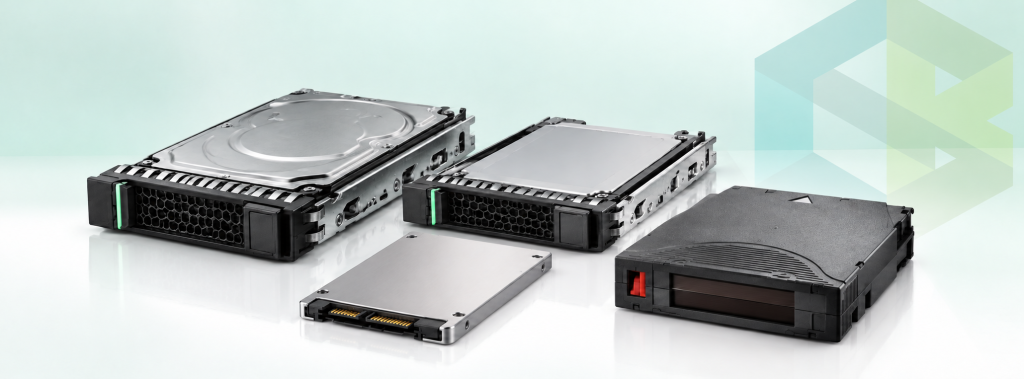
Drives & media
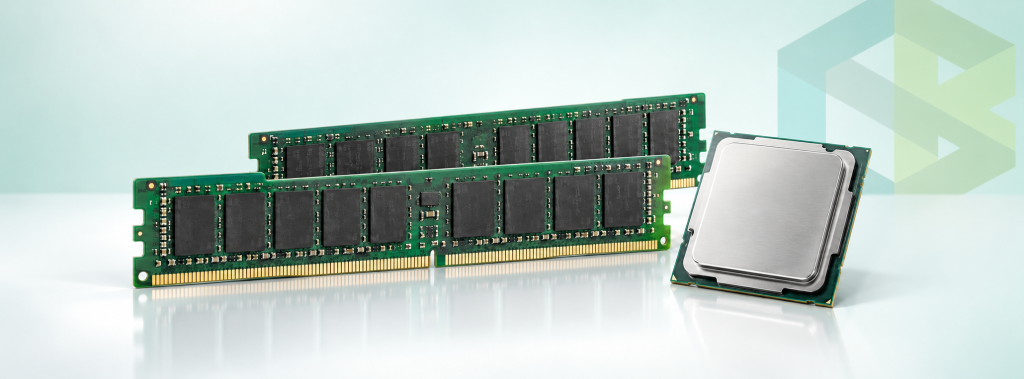
Memory & processors
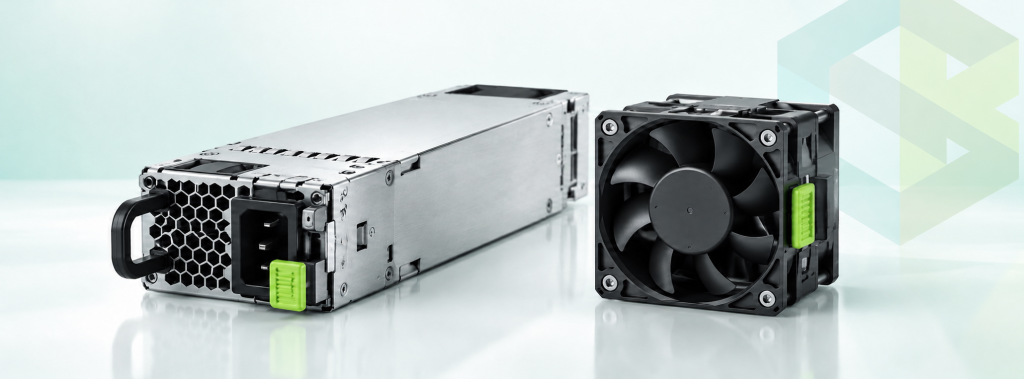
Power & cooling
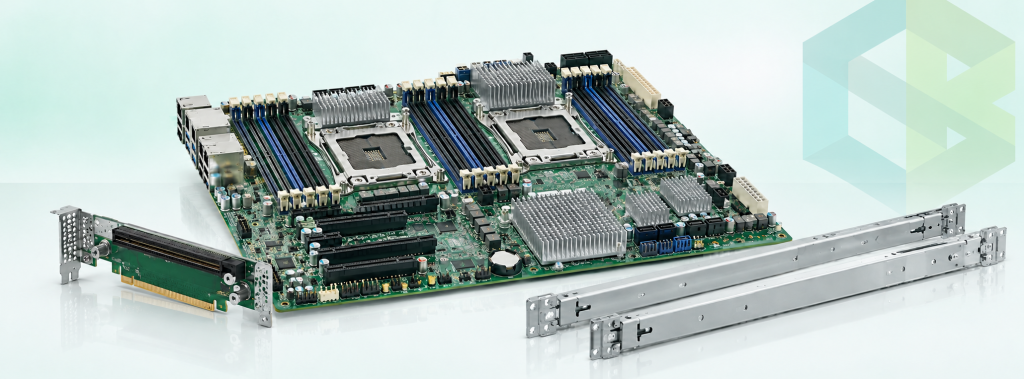
Boards, risers & chassis
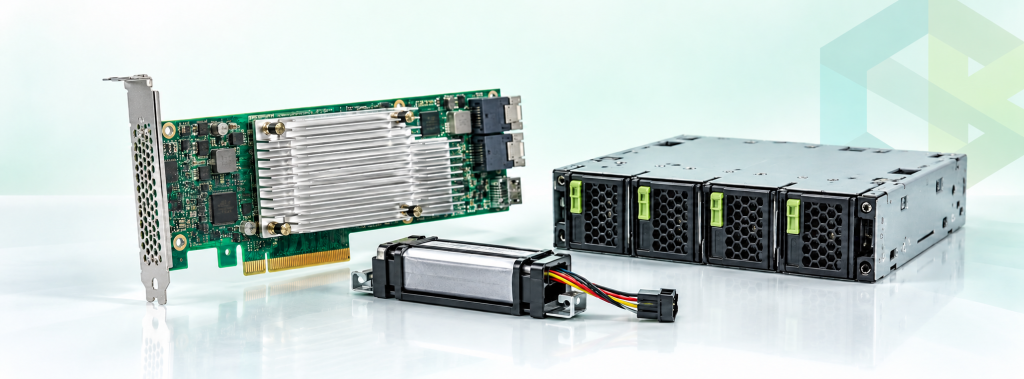
Storage components
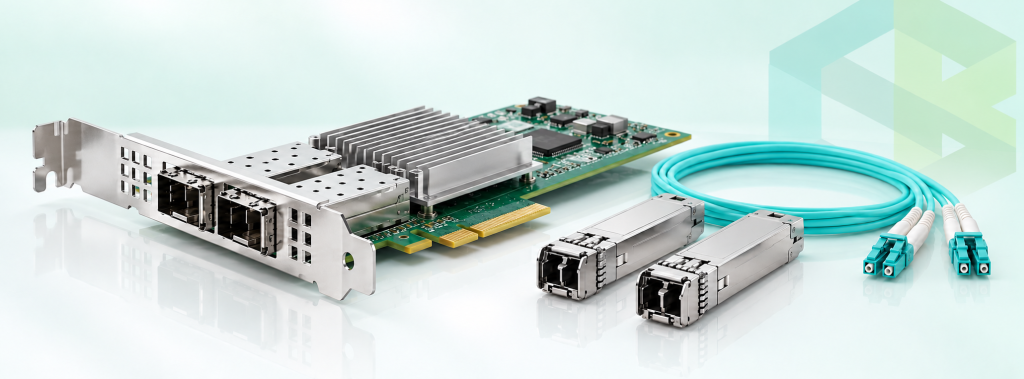
Networking & connectivity
A few details help us find the right part.
System
Part
Requirement
Ready to source your replacement parts?
Replacement parts questions
Helpful answers for the product or service you are exploring.
How can I identify an HPE service part?
Replacement parts
Use the system product number, serial number, model or existing part number in HPE PartSurfer. Provide the result and a readable label photograph to CBS so the request can be checked against the identified system.
HPE PartSurfer · Reviewed
Should I include both an option number and a spare number?
Replacement parts
Yes, include every relevant identifier and explain where it came from: the original order, component label or parts lookup. Avoid shortening suffixes or replacing one identifier with another without confirmation.
What should I send when a label is missing or unreadable?
Replacement parts
Provide the system model and product number, the component's location and clear photographs of the part and connectors. Describe the issue and any known original order details. Ask CBS to help identify the component before approving a replacement.
Can I use HPE PartSurfer to help prepare a replacement-part request?
Replacement parts
Yes. HPE PartSurfer accepts a product number, serial number, model name or part number. Include the relevant result and the installed system details when asking CBS to review the replacement.
HPE official information · Reviewed
What photographs are useful for identifying a replacement component?
Replacement parts
Provide a clear image of the system's product label, the component label and the connector or carrier if relevant. Include the full model and generation, and explain which part is being replaced. Avoid obscuring the identifiers needed for the review.