Helpful answers for the product or service you are exploring.
What should be checked before adding a GPU to an HPE server?
GPUs & Accelerators
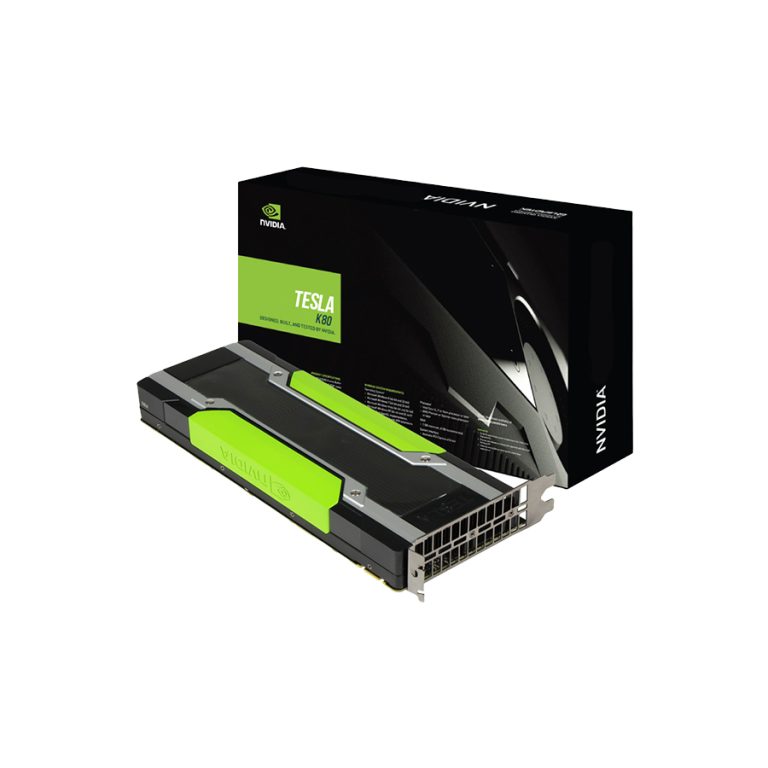
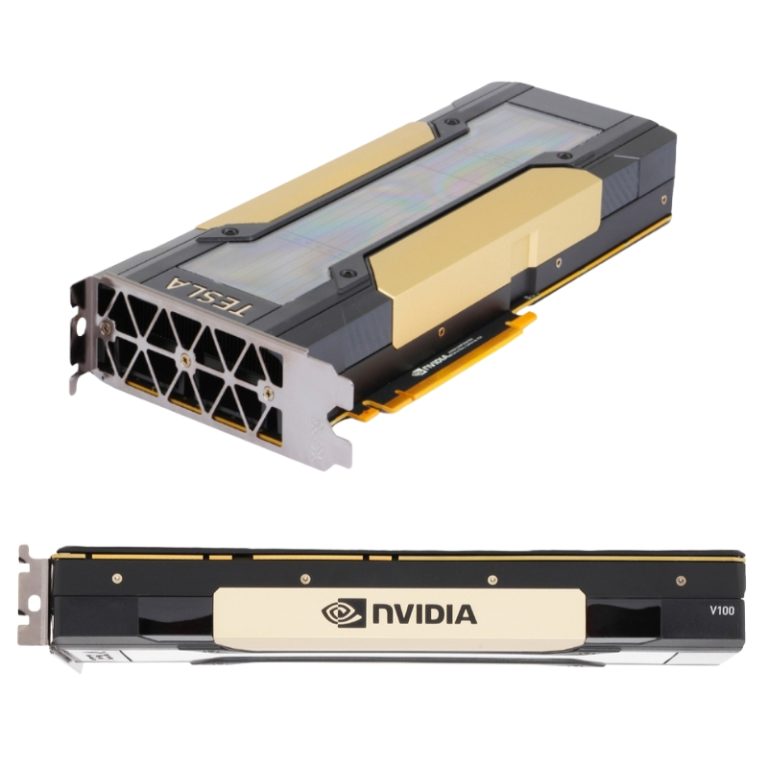
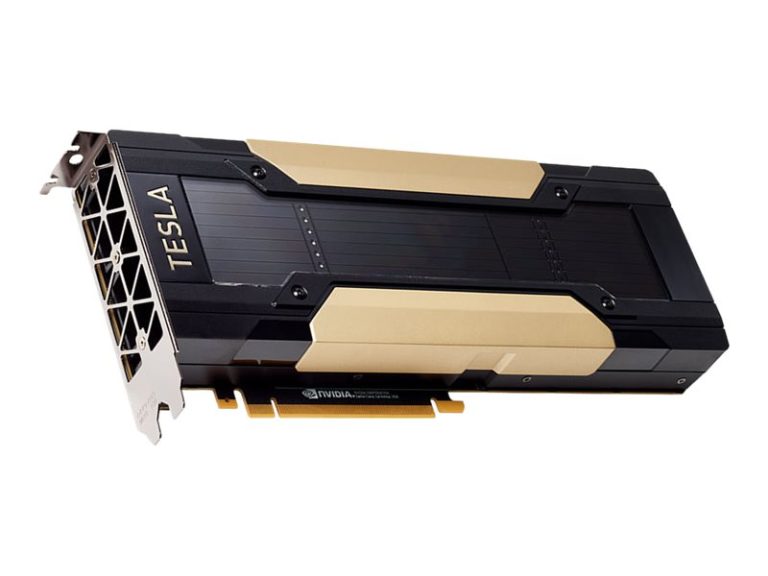
Review the exact accelerator, server chassis, risers, power and cooling requirements together. For example, ML350 Gen11 configuration guidance includes additional fan-kit requirements for GPU configurations. A free slot alone does not confirm a complete supported installation.
What needs to be checked before adding a GPU to an HPE server?
GPUs & Accelerators
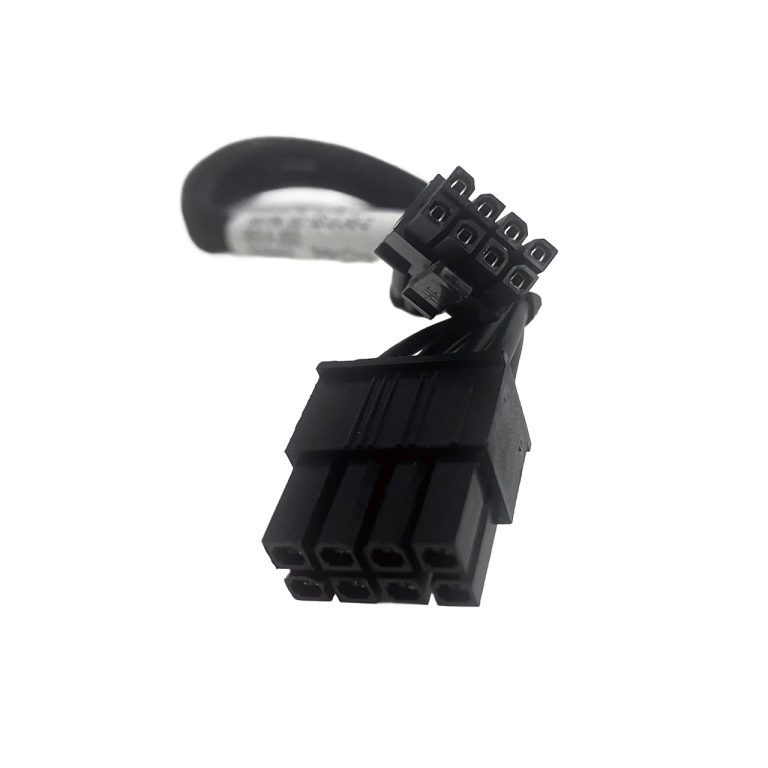
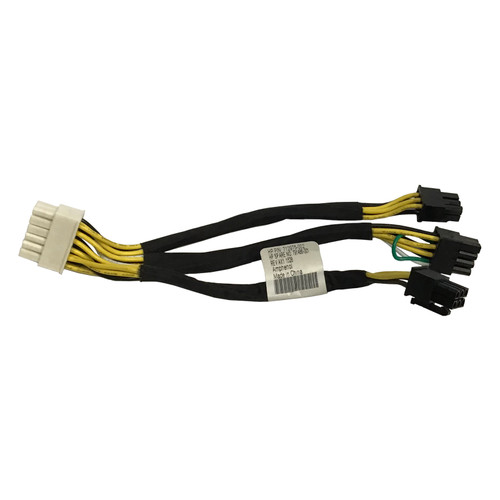
Review the qualified GPU, slot width and electrical lanes, card height/length, power cables, risers, cooling and any drive-bay conflicts. Include the OS and application requirements. A free PCIe connector does not by itself establish a supported accelerator configuration.
Does an installed GPU include virtual-GPU software licensing?
GPUs & Accelerators
Confirm the software entitlement separately. State whether the workload uses passthrough, virtual GPUs or a remote workstation solution, then identify the required software edition and term. Have hardware, enablement accessories and licensing shown explicitly in the quote.
Can adding high-speed networking change a server’s cooling requirements?
Fans & Cooling · GPUs & Accelerators
It can. Some dense or high-power configurations require a different fan kit or tighter temperature limits. Review the platform’s thermal configuration table for the exact adapter and its other installed options before completing the hardware list.