Helpful answers for the product or service you are exploring.
How can I check SSD wear before choosing a replacement?
Solid State Drives
Use the supported SSD wear-gauge report to inspect usage and estimated remaining life. Save that report with the drive identity and workload details so replacement planning considers endurance consumption as well as storage capacity.
Browse solid state drives. Send the server product number and installed part label to CBS for a configuration-specific match.
Does an SSD estimated life of 56 days mean it will fail on that exact day?
Solid State Drives
No. The wear-gauge estimate is based on the workload to date. Treat low-remaining-life or wearout messages as replacement-planning signals and follow the reported action; an estimate is not a guaranteed failure date.
Browse solid state drives. Send the server product number and installed part label to CBS for a configuration-specific match.
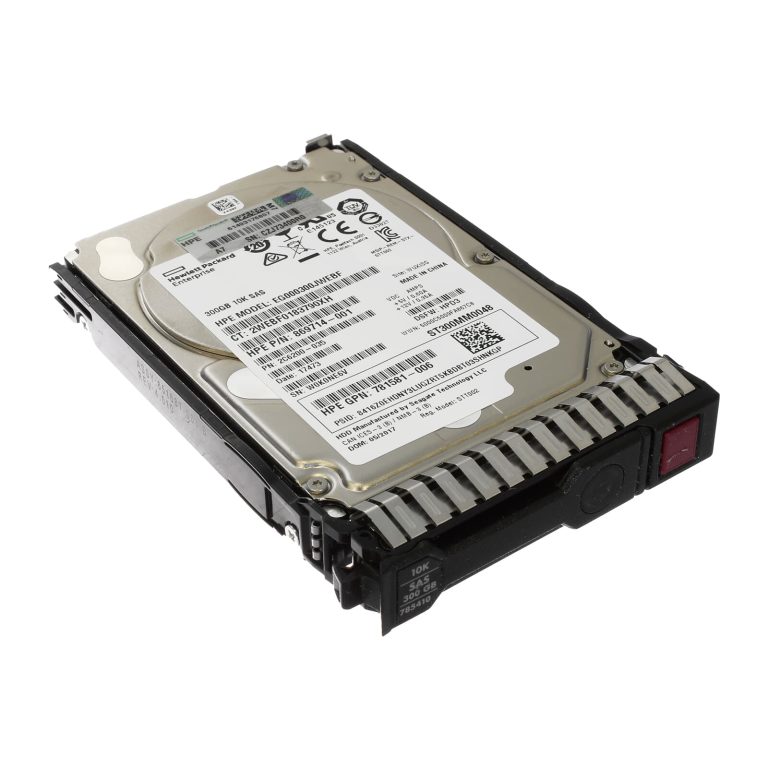
Does a 2.5-inch SSD fit every 2.5-inch HPE server bay?
Solid State Drives
Physical diameter alone is insufficient. Check the specified SAS, SATA or NVMe interface, carrier, backplane and server option qualification. HPE offers distinct carrier and form-factor combinations across its SSD portfolio.
Browse solid state drives. Send the server product number and installed part label to CBS for a configuration-specific match.
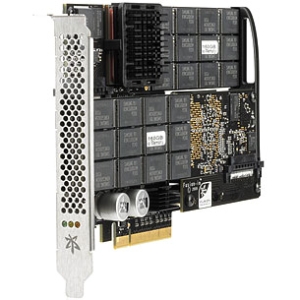
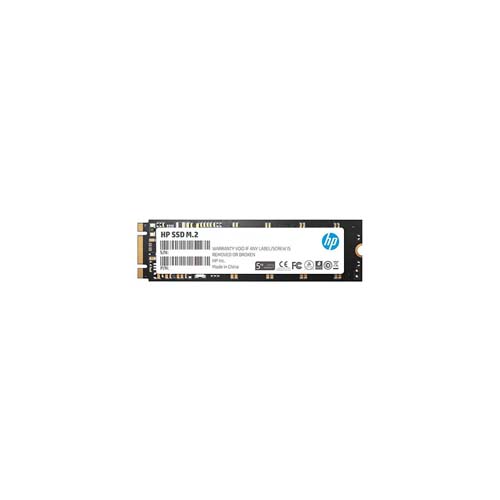
Is an M.2 SSD the same installation option as an NVMe add-in card?
Solid State Drives
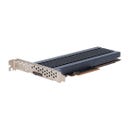
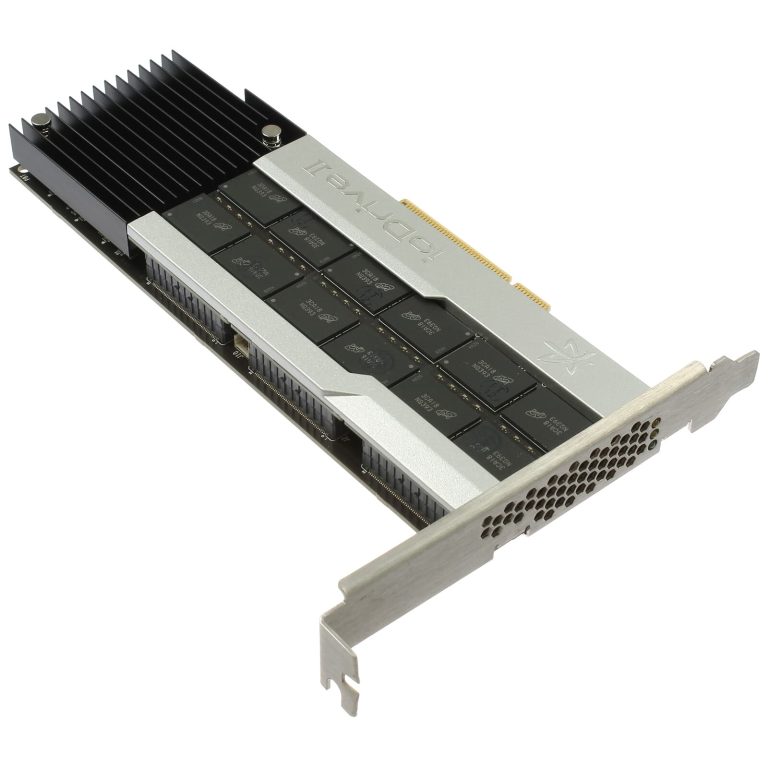
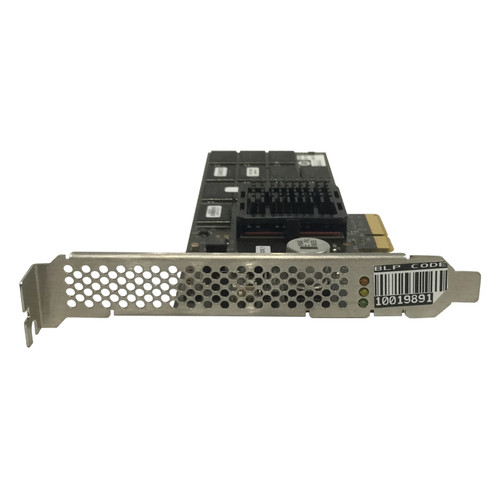
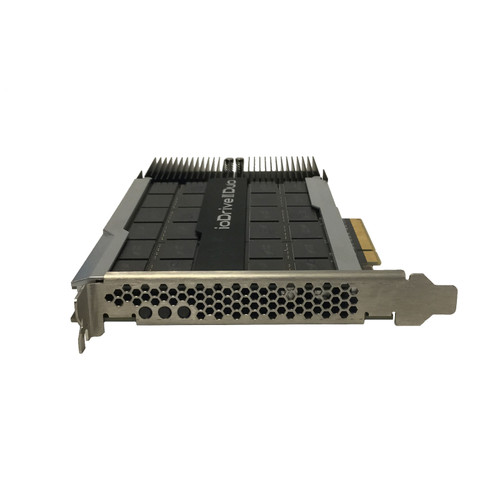
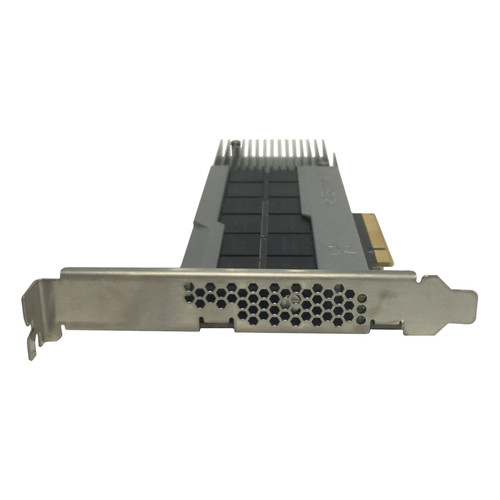
No. M.2 and PCIe add-in cards are separate form factors in HPE’s SSD portfolio. Verify the platform’s supported connector, interface and installation option instead of choosing only by SSD capacity.
Browse solid state drives. Send the server product number and installed part label to CBS for a configuration-specific match.