



HPE DL380 Gen10 LFF Bkpln Power Cable
HPE DL380 Gen10 LFF Bkpln Power Cable is a data-center cable for compatible network, storage, or server connections. Key specifications include generation: Gen10; form factor: LFF (3.5-inch). Listed compatibility includes Dl380 Gen10. Confirm the target system configuration before installation.
Product images
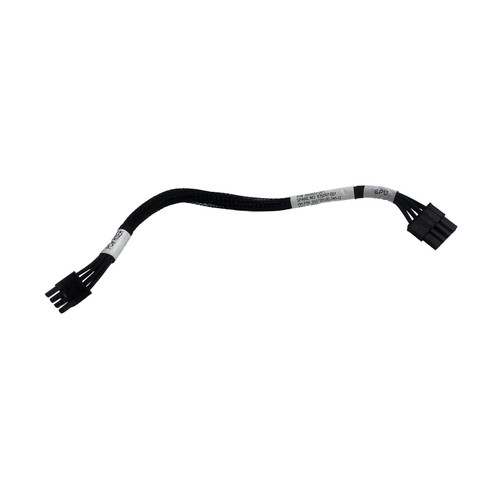
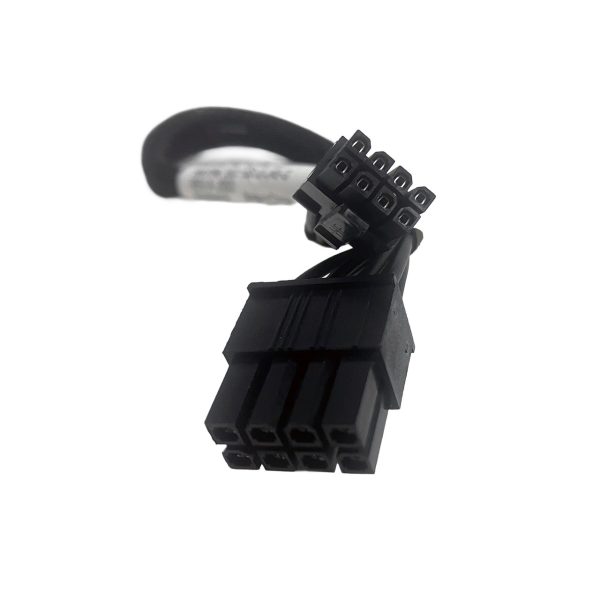
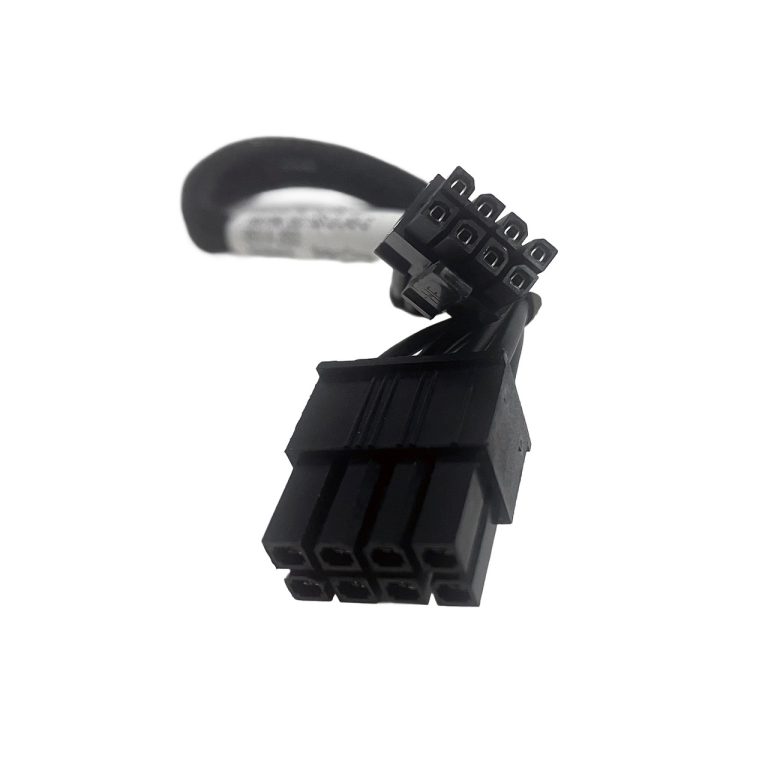
Product overview
| Product Type | Cable |
|---|---|
| Brand | HPE |
| Generation | Gen10 |
Physical details
| Form Factor | LFF (3.5-inch) |
|---|
Other specifications
| Compatibility | Dl380 Gen10 |
|---|
Available inventory
Select inventory and enter the quantities you need.
| Inventory type | SKU | In stock | Qty. |
|---|---|---|---|
| 869809-001 | 14 |
Stock updated 2026-11-09. Availability is confirmed with your quote; requested quantities do not reserve stock.
Questions & Answers
Related questions
Helpful answers for the product or service you are exploring.
Can I mix RDIMMs and LRDIMMs in a DL380 Gen10?
HPE ProLiant DL Servers
No. Choose one supported DIMM technology for the complete configuration. Record the CPU model, existing DIMM labels and occupied slots before expanding memory. DDR4 capacity and speed alone do not establish compatibility; use the DL380 Gen10 population rules and the part-number memory matrix.
Explore DL380 GEN10 configurations and options.
HPE product documentation · Reviewed
Are Intel and AMD ProLiant Gen10 memory-population rules identical?
Servers
No. Use the guide for the CPU architecture and exact server. Channel count and slot layout differ across platforms. Balance memory across installed processors using the applicable diagram rather than a generation-wide rule.
HPE product documentation · Reviewed
What information helps CBS review a networking bill of materials?
Networking
Provide a simple connection list: which devices connect, required speeds, cable distances and media types. Include existing model numbers, power needs and management requirements. List the optics, cables and licenses as well as the main switches or adapters.
How do I specify a network or data cable?
Network & Data Cables
Identify both endpoints, connector types, required length and the intended link speed. Include the switch, adapter or storage model at each end. Distinguish a patch cable from a supported direct-attach or active optical assembly.