Helpful answers for the product or service you are exploring.
Why did fan speeds rise after replacing a component?
Fans & Cooling
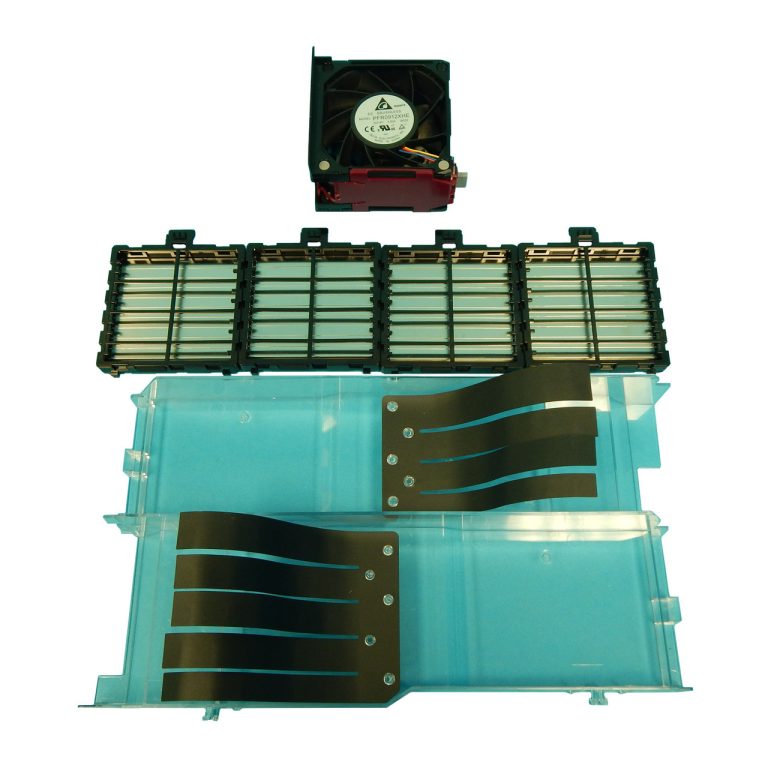
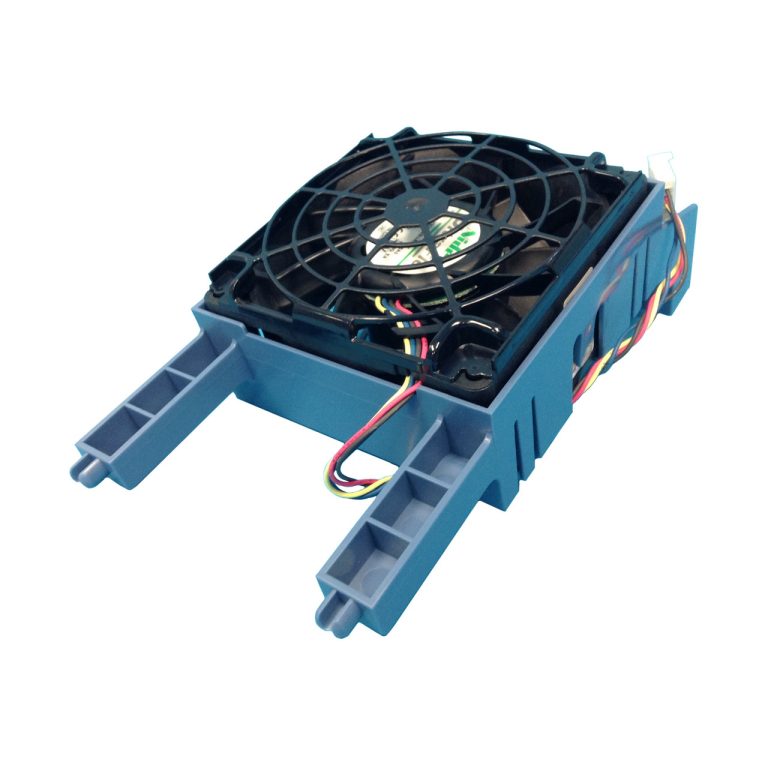
Check iLO temperatures, supported fan and heatsink selection, baffles and blanks. HPE lists disrupted airflow and unsupported thermal components among causes of high speed. Diagnose the thermal condition before replacing working fans.
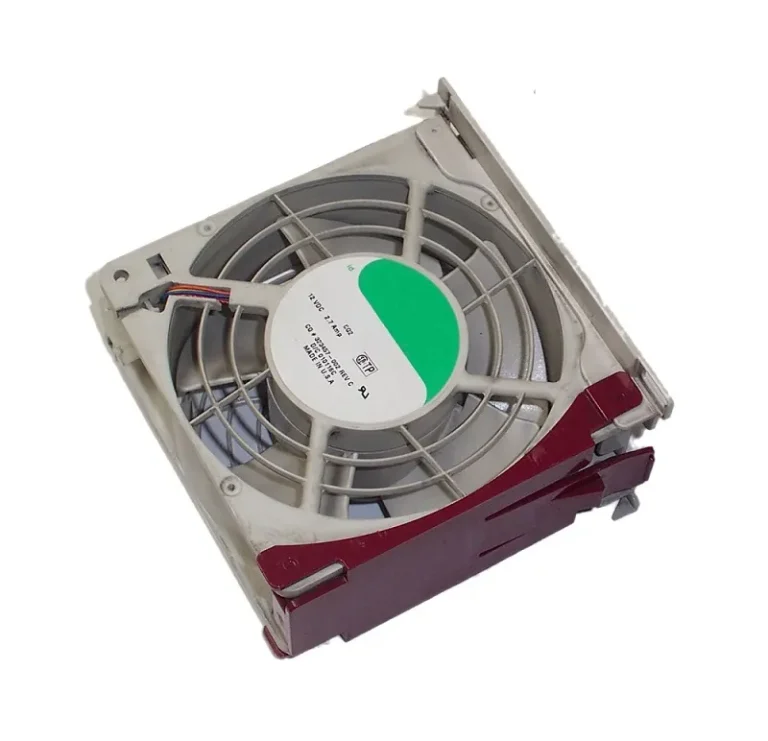
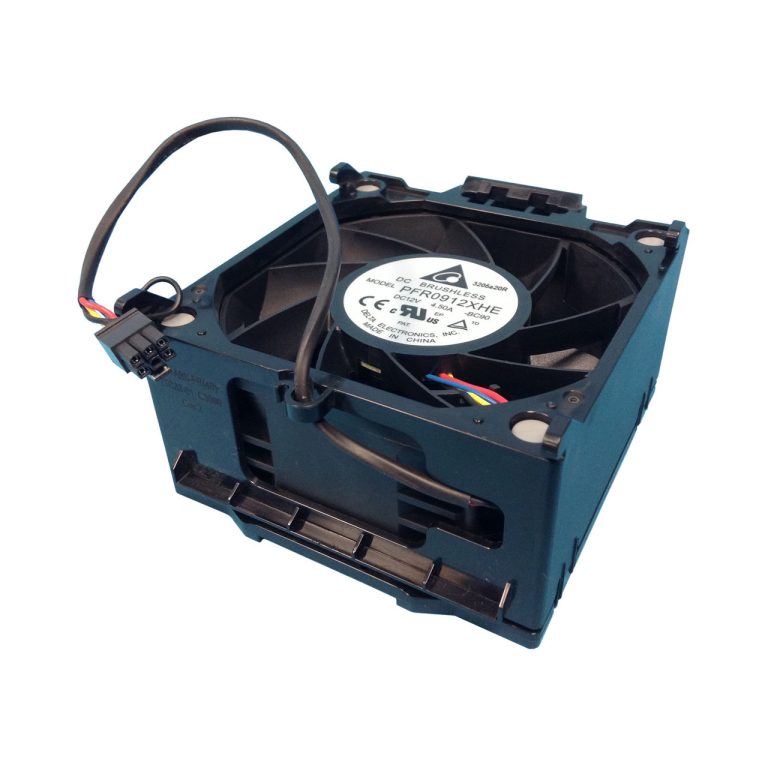
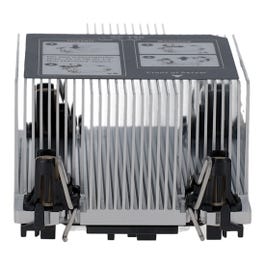
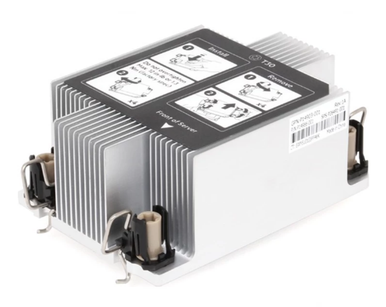
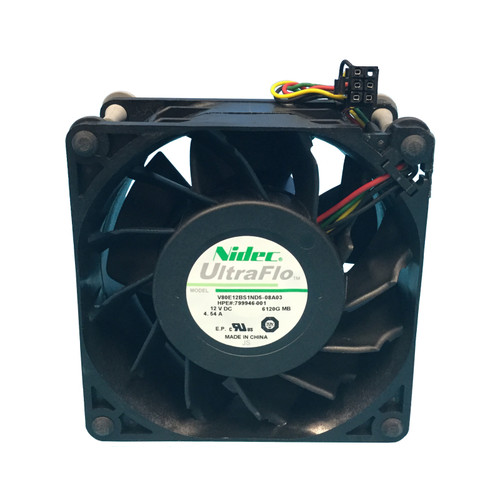
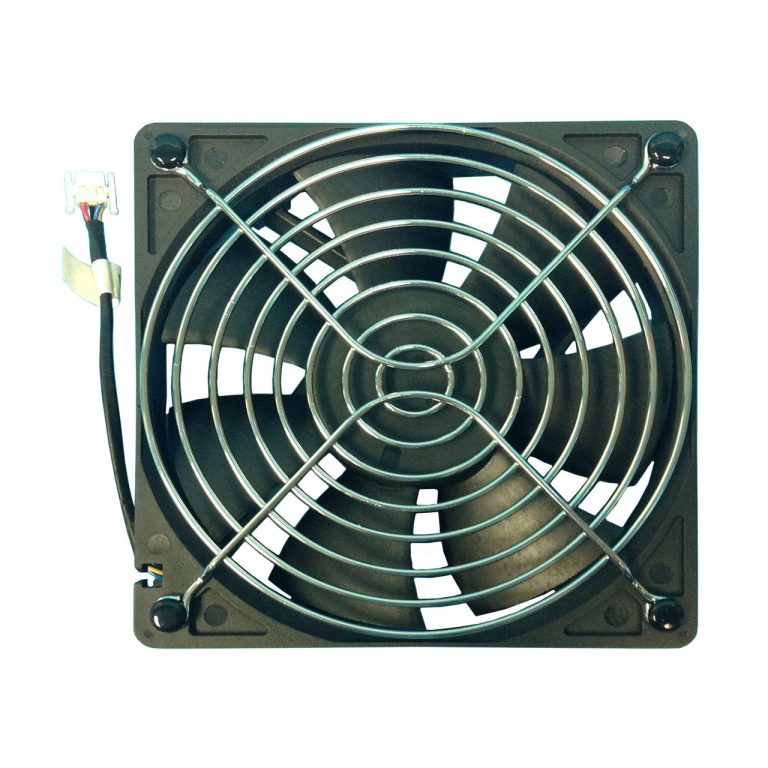
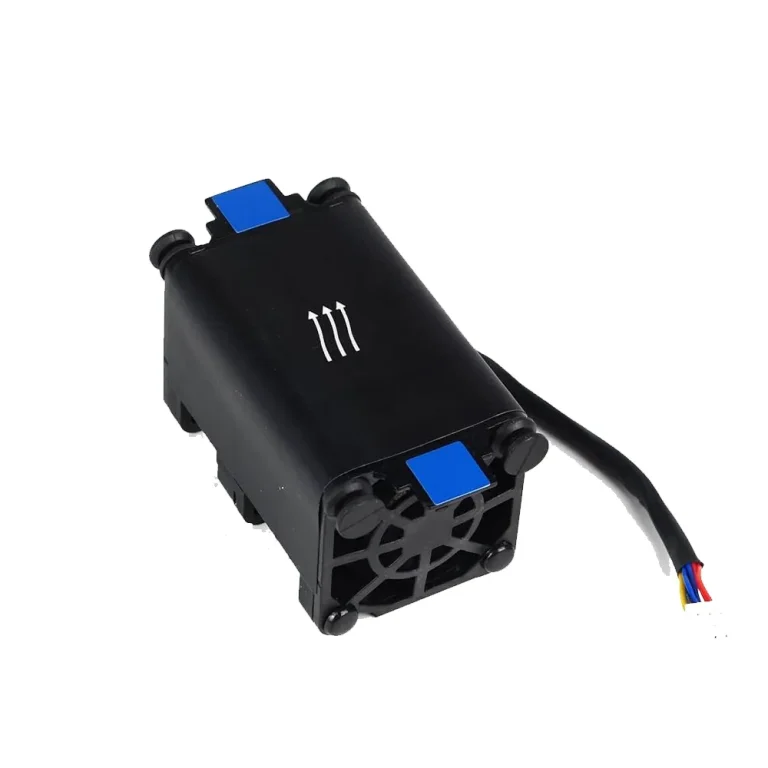
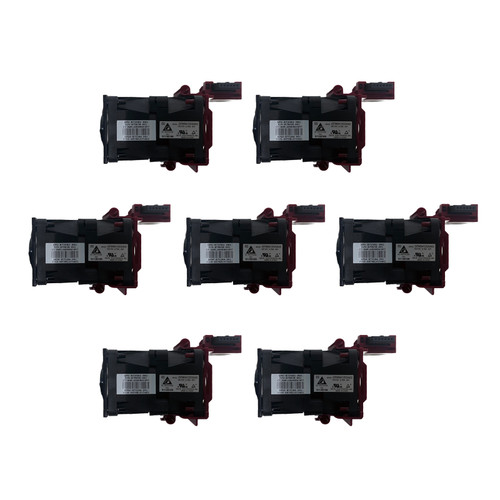
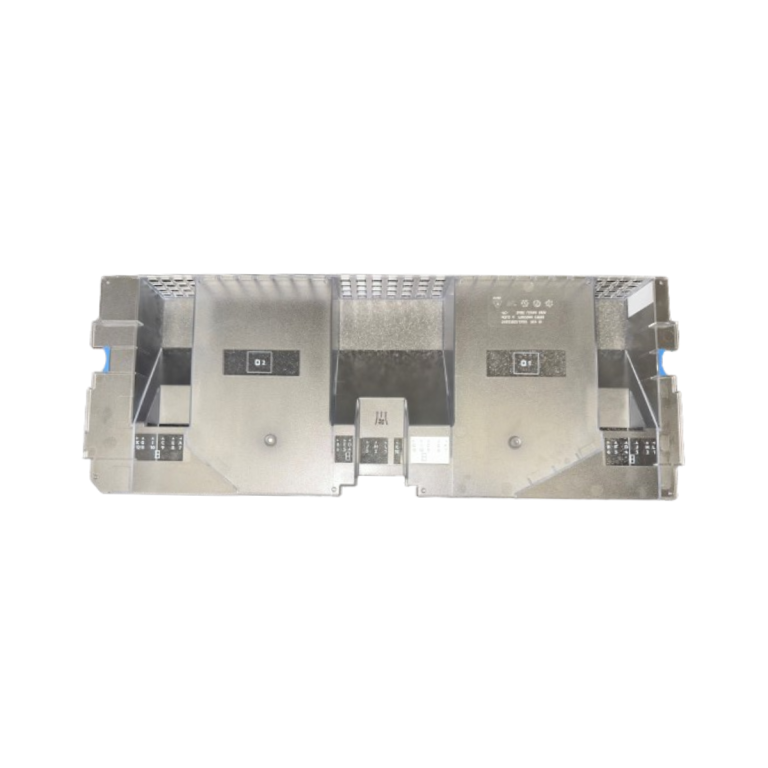
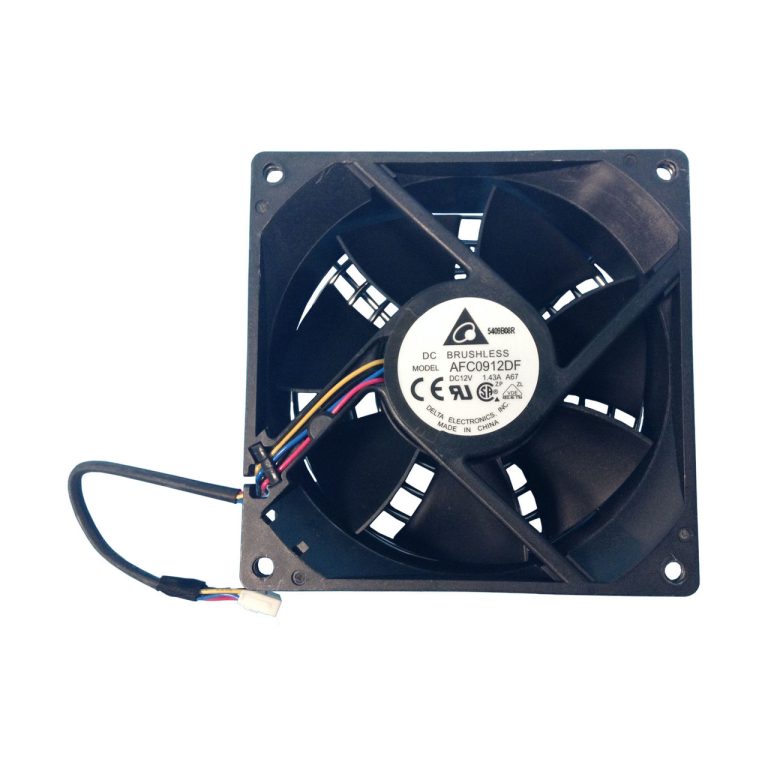
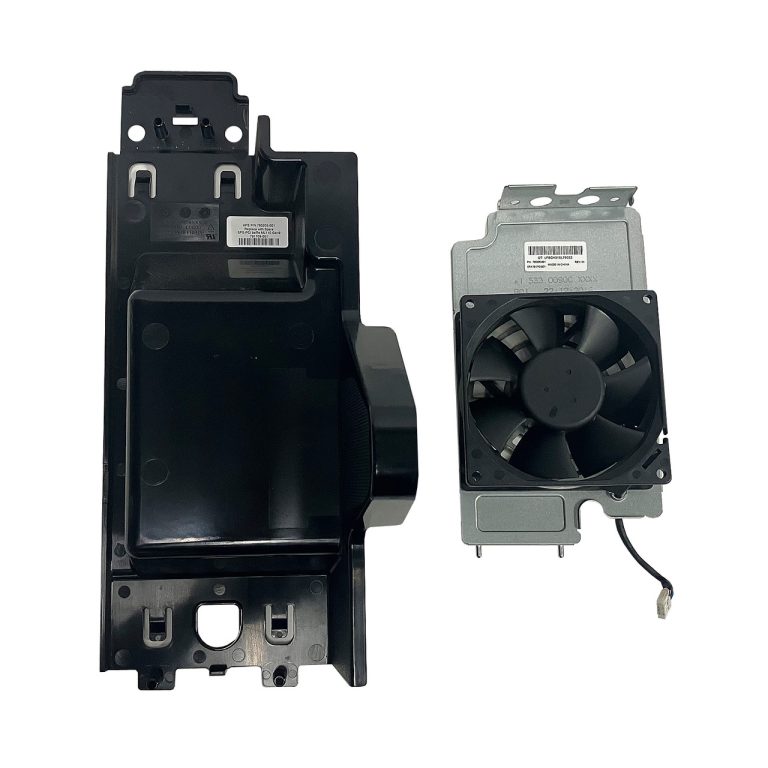
Browse fans and cooling kits. Send the server product number and installed part label to CBS for a configuration-specific match.
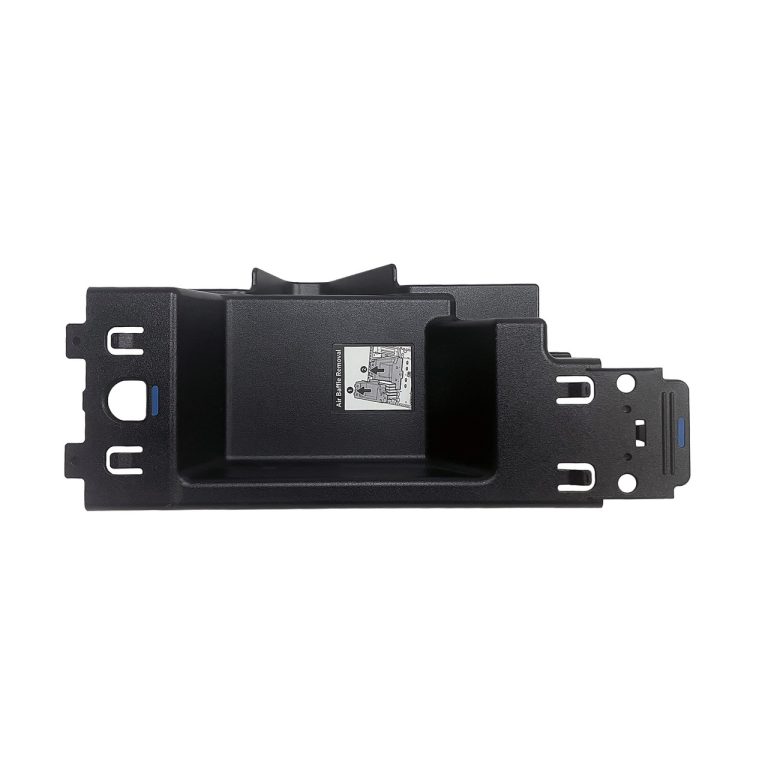
Can a missing blank or air baffle cause overheating even when all fans spin?
Fans & Cooling
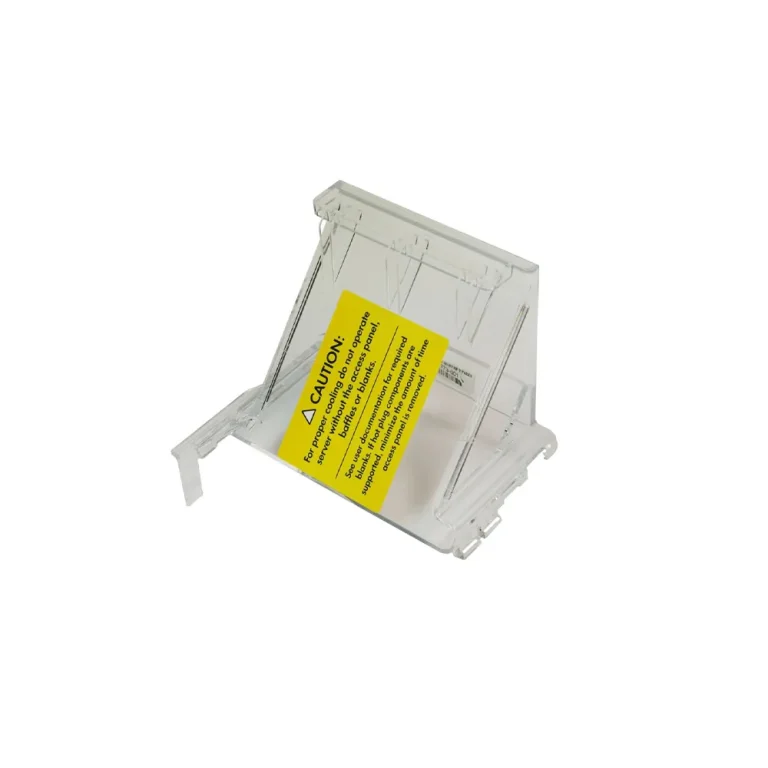
Yes. Required blanks and baffles control the airflow path. Restore the model’s documented airflow configuration and check for cable obstructions; spinning fans alone do not establish adequate cooling.
Browse fans and cooling kits. Send the server product number and installed part label to CBS for a configuration-specific match.
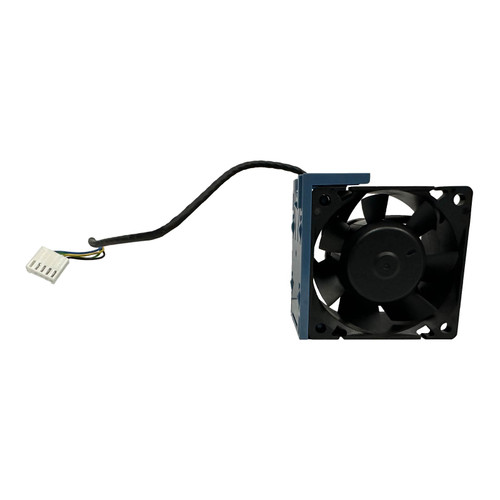
What should I collect before ordering a fan for an overheating server?
Fans & Cooling
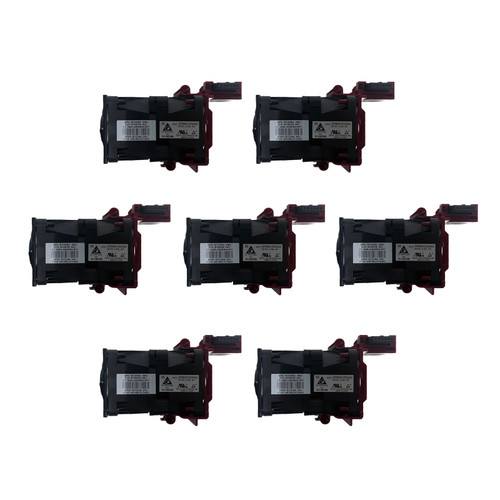
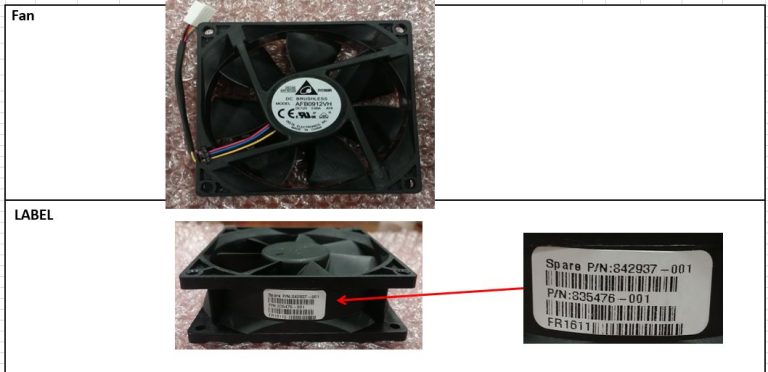
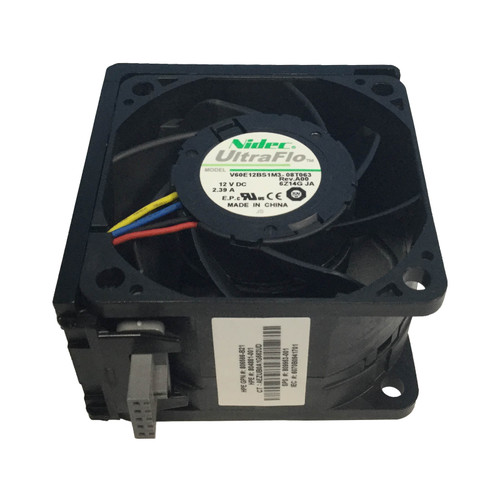
Record iLO fan status, temperature readings and IML or POST events, then identify the model-specific fan location and part. This distinguishes a failed fan from airflow blockage or a local hot spot.
Browse fans and cooling kits. Send the server product number and installed part label to CBS for a configuration-specific match.
Should I slow the fans manually to fix excessive server noise?
Fans & Cooling
First investigate temperatures, airflow, firmware and the supported fan and heatsink configuration. High speed can be a response to a thermal condition; reducing cooling does not resolve its cause.
Browse fans and cooling kits. Send the server product number and installed part label to CBS for a configuration-specific match.