Helpful answers for the product or service you are exploring.
A CPU upgrade causes a POST or IML error: what should I check first?
Processors
Verify the processor option and complete processor configuration against the server documentation, then check system ROM support. Unsupported processors, configuration differences, installation problems and failed processors can produce similar symptoms.
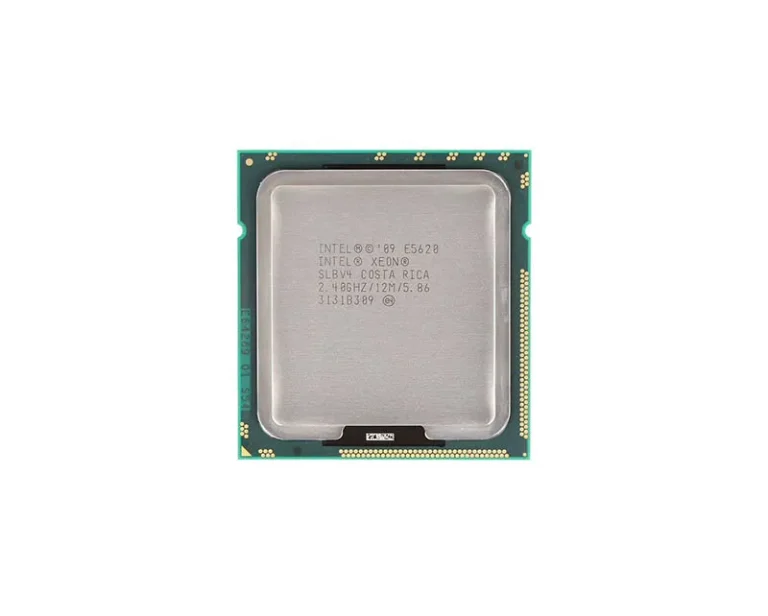
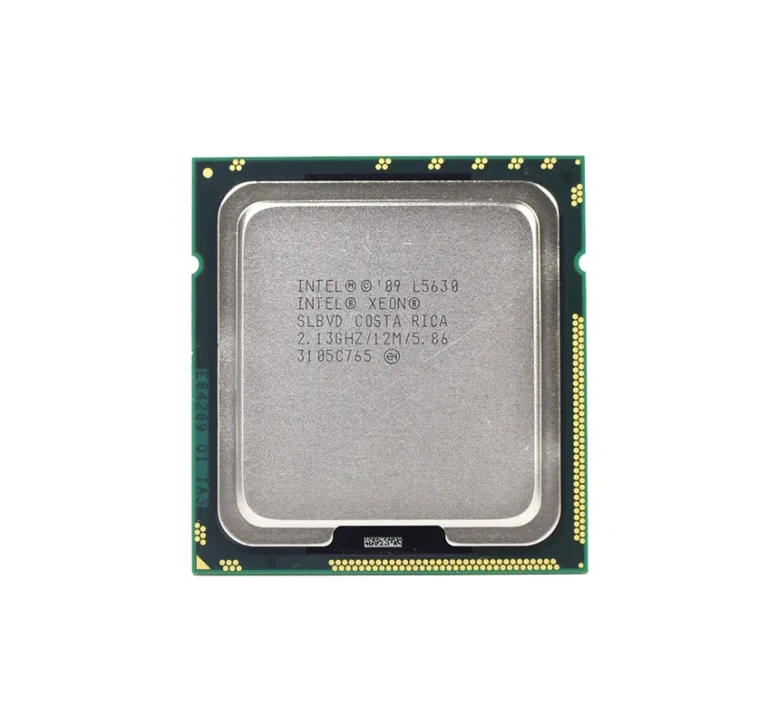
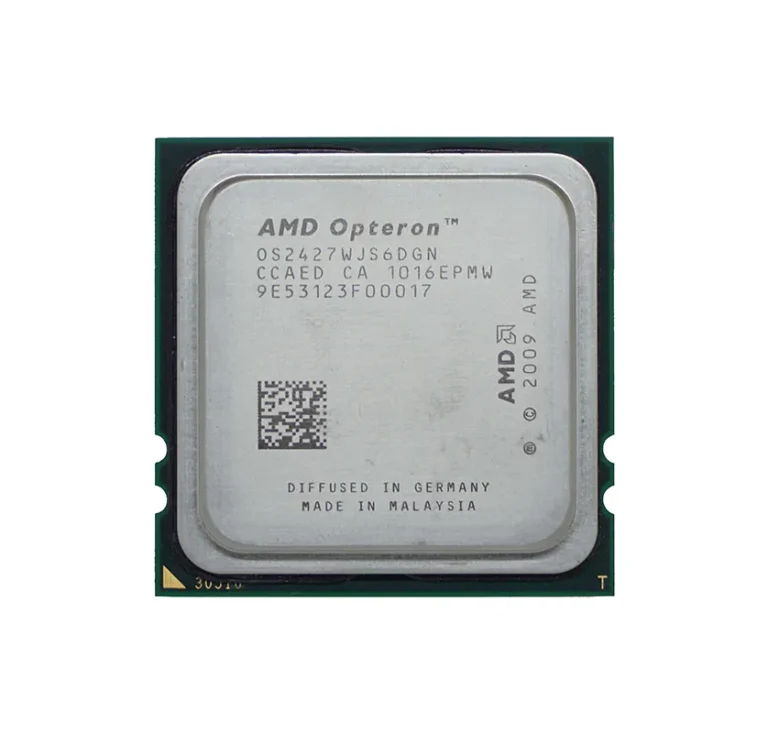
Browse server processors. Send the server product number and installed part label to CBS for a configuration-specific match.
Can I mix processor stepping, cache size or clock speed in one server?
Processors
Only where the platform explicitly permits it. HPE directs troubleshooting to check unsupported differences in stepping, core speed and cache size. Supply both processor labels before ordering a second CPU.
Browse server processors. Send the server product number and installed part label to CBS for a configuration-specific match.
Should I replace the system board as soon as a processor fault is logged?
Processors
First verify supported processors, configuration and ROM, then follow the model’s diagnostic procedure. Physical processor isolation or replacement should follow the maintenance guide and its authorized-service requirements; a fault message alone is not a board diagnosis.
Browse server processors. Send the server product number and installed part label to CBS for a configuration-specific match.
Can I upgrade a processor just because the socket looks compatible?
Processors
Use the platform's supported processor list and upgrade guidance. HPE's ML350 Gen11 documentation, for example, does not support a field upgrade from fourth- to fifth-generation Xeon Scalable processors. Check the exact platform before purchasing an upgrade.