
CreativeBusinessSolutions
Search
  • +1 (888) 889-8940
00 items
  • THE CBS HARDWARE CATALOG

    What are you looking for?

    Browse by hardware family, then refine your selection.View all products

    Find your HPE server family

    • Rack Servers
      • ProLiant DL
      • Mission-Critical & Edge
      • Apollo Systems
      • DX & Hyperconverged
    • Tower & Micro
      • ProLiant ML
      • MicroServer
    • Blade & Modular
      • ProLiant BL
      • Synergy & Modular
      • ProLiant XL Nodes
      • ProLiant SL Nodes
    View all Servers

    Find the right storage

    • Solid State Drives
      • SAS SSDs
      • SATA SSDs
      • M.2 SSDs
      • NVMe SSDs
      • PCIe Card SSDs
    • Hard Drives
      • SAS Hard Drives
      • SATA Hard Drives
    • Systems & Enclosures
      • Expansion Enclosures
      • Storage Systems
    • Storage Components
      • Batteries & Cache
      • Boot & Flash Media
      • Drive Cages & Backplanes
      • Optical Drives
      • Controllers & HBAs
    View all Storage

    Explore server components

    Performance & memory

    • Memory
    • Processors
    • GPUs & Accelerators

    Power & cooling

    • Power Supplies
    • Fans & Cooling

    Chassis & expansion

    • Chassis & Bezels
    • Rails & Mounting
    • Risers & Expansion

    Boards & management

    • System Boards
    • Management & Security
    View all Server Components

    Connect your infrastructure

    Network equipment

    • Switching & Routing
      • Network Switches
      • Routers & Gateways
    • Access Points & Controllers

    Connections & accessories

    • Network Adapters
    • Optics & Transceivers
    • Network Cables
    • Network Accessories
    View all Networking

    Build your Aruba network

    Switching, wireless & control

    • Network Switches
    • Switch Modules
    • Wireless Access Points
    • Controllers & Gateways
    • Management & Licensing

    Connections & accessories

    • Transceivers & Optics
    • Stacking & Data Cables
    • Power & PoE
    • Mounting & Accessories
    View all Aruba Networking

    Power your infrastructure

    Power EquipmentBrowse all power equipmentPower Distribution Units & AccessoriesRack power distributionUPS SystemsBackup power protectionKVM & ConsolesConsole access & control
    View all Power & Rack
  • HPE Renew
  • Replacement Parts
  • Configuration & IntegrationHardware configuration supportOrdering & ShippingDelivery and fulfillment information
  • Product FAQsAnswers to common product questionsServices & Ordering FAQsOrdering, shipping and support informationBlog & Buying GuidesInsights, tips and product guides
  • About CBS
  • Contact Us
  • Start a QuoteCompare ProductsQuote List
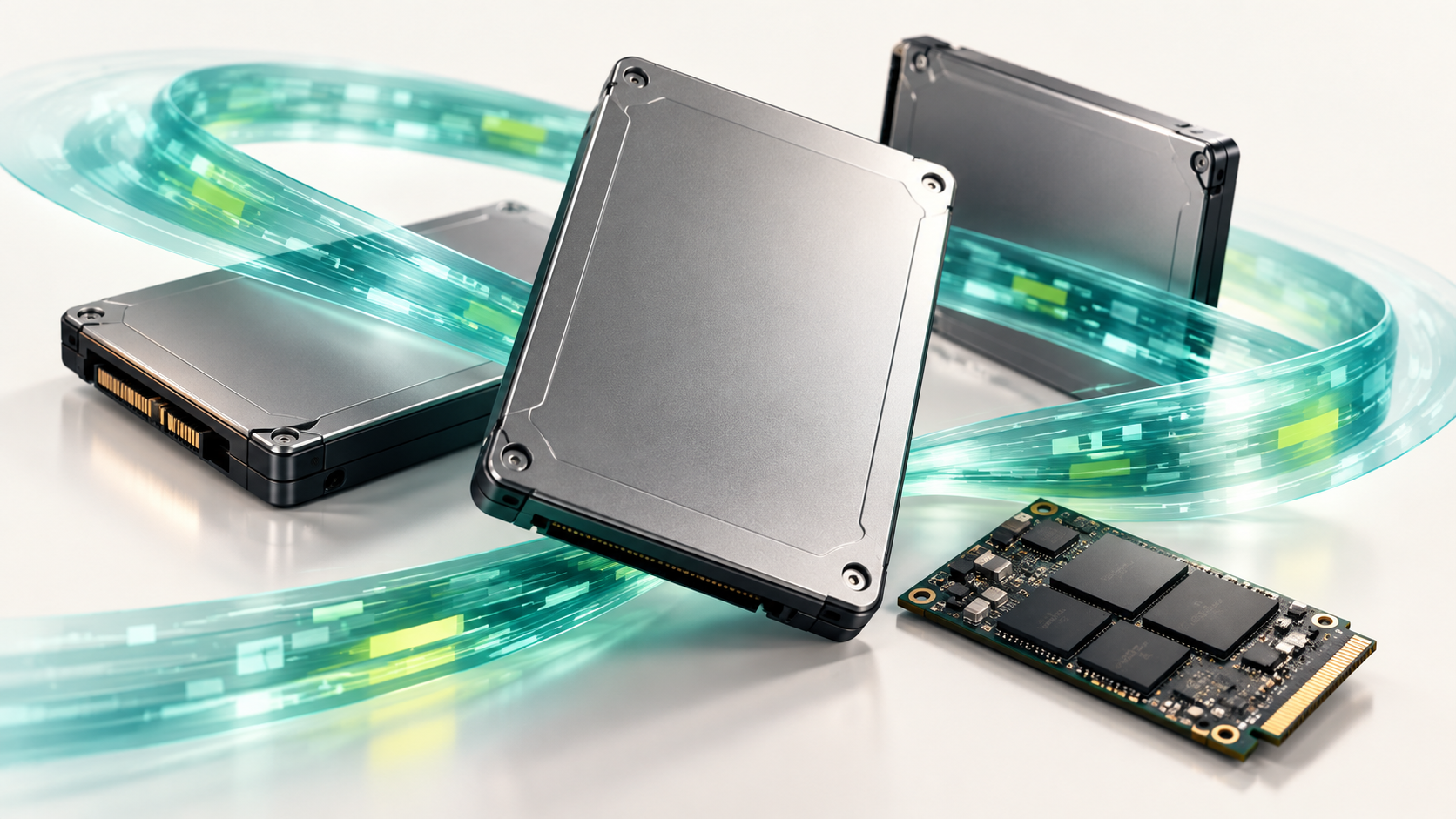
Conceptual enterprise solid-state drives with an abstract data flow

Enterprise SSD Buying Guide: Interface, Endurance, and Workload Fit

Adam Alexander2026-10-27T10:21:02-04:00
Storage & Data Protection Enterprise SSDs, IT Procurement, Storage Planning

Two enterprise SSDs with the same capacity can be designed for different jobs. Capacity tells you how much data a drive can hold; it does not establish compatibility, write endurance, or the performance your application will experience. A useful buying process evaluates all three before comparing prices.

First, confirm the complete storage path

Start with the server model and generation, then identify the controller or direct-attach arrangement, backplane, bay, carrier, and supported drive interface. A drive that fits the opening is not automatically a supported replacement. Match the exact drive SKU to the platform documentation and record any required cables or enablement parts.

HPE’s SSD QuickSpecs provide drive-level specifications and endurance tables. Pair them with the server’s own QuickSpecs; neither a generic interface label nor a family-level product description validates a complete configuration.

Understand DWPD before comparing endurance

Drive writes per day, or DWPD, expresses write endurance relative to the drive’s capacity over a specified period. HPE’s referenced QuickSpecs describe a five-year workload basis using random 4 KiB writes. Read the exact SKU’s rating, lifetime-write figure, applicable terms, and measurement conditions rather than assuming all enterprise SSDs have the same endurance.

A simple planning example: a hypothetical 1.92 TB drive rated at 1 DWPD corresponds to 1.92 TB of full-drive-equivalent host writes per day under its rating conditions. A hypothetical 960 GB drive at 3 DWPD corresponds to 2.88 TB per day. The smaller drive can therefore have the larger daily write allowance. These are arithmetic examples, not specifications for CBS inventory or predictions of service life.

Workload labels are a starting point

The current HPE SSD QuickSpecs list Very-read-optimized, Read Intensive, and Mixed Use categories. Older HPE documentation also uses Write Intensive. That change is a reason to check the exact part’s published endurance instead of relying on the label alone.

Collect actual workload measurements over a representative business cycle. Include backups, batch jobs, indexing, maintenance, and other periods that a quiet daytime sample could miss. Note daily host writes and peak latency as well as capacity. A database’s name or a broad label such as virtualization does not describe every deployment’s write behavior.

Separate performance from endurance

An endurance rating is not a speed rating. When comparing performance figures, check the test conditions: block size, queue depth, read/write mix, and whether the workload is sequential or random. A headline sequential-throughput number may tell you little about a latency-sensitive application making small requests.

Ask which measurement reflects the problem you are solving. If users are waiting on transactions, investigate latency under representative load. If the system is moving large backup files, investigate sustained transfer behavior across the complete path. The drive is only one component in that path.

Plan usable capacity and ongoing monitoring

Specify usable capacity after your chosen protection layout, along with growth and operational headroom. Avoid filling every bay by default if the expansion plan requires a different controller or cage. Establish a monitoring process that checks drive health and remaining endurance through tools supported by your configuration.

  • Exact server, controller, backplane, and drive-carrier details.
  • Required usable capacity and protection layout.
  • Measured daily writes and representative peak workload.
  • Candidate drive SKU, published endurance, and compatibility evidence.
  • Any encryption, firmware, support, or procurement requirements.

Use this list with the CBS SSD catalog or request help selecting drives. For a new host, read our DL360 versus DL380 Gen11 comparison alongside the storage plan.

Related Posts

Conceptual server and separate backup storage linked by a protected data path

RAID Is Not a Backup: Plan Server Storage Around Recovery

Build a server recovery plan around acceptable data loss, recovery time, protected backup copies, and a realistic restore test—not just... read more

Recent Posts

  • RAID Is Not a Backup: Plan Server Storage Around Recovery
  • HPE ProLiant Memory Upgrade Checklist: What to Verify Before Ordering
  • Enterprise SSD Buying Guide: Interface, Endurance, and Workload Fit
  • HPE DL360 vs. DL380 Gen11: How to Choose the Right Rack Server
  • HPE Renew vs. Refurbished Hardware: A Buyer’s FAQ

Subscribe To Our Newsletter

Get all the latest information on Events, Sales and Offers.

    CUSTOMER SERVICE

    • Help & FAQs
    • Order Tracking
    • Shipping & Delivery
    • Orders History
    • Advanced Search
    • Login

    ABOUT US

    • About Us
    • Careers
    • Our Stores
    • Corporate Sales
    • Careers

    MORE INFORMATION

    • Affiliates
    • Refer a Friend
    • Student Beans Offers
    • Gift Vouchers

    SOCIAL MEDIA

    Instagram Twitter Facebook-f

    Porto eCommerce. © 2026. All Rights Reserved

    • MAIN MENU
    • CATEGORIES
    Creative Business Solutions
      • Rack Servers
        • ProLiant DL
        • Mission-Critical & Edge
        • Apollo Systems
        • DX & Hyperconverged
      • Tower & Micro
        • ProLiant ML
        • MicroServer
      • Blade & Modular
        • ProLiant BL
        • Synergy & Modular
        • ProLiant XL Nodes
        • ProLiant SL Nodes
      View all Servers
      • Solid State Drives
        • SAS SSDs
        • SATA SSDs
        • M.2 SSDs
        • NVMe SSDs
        • PCIe Card SSDs
      • Hard Drives
        • SAS Hard Drives
        • SATA Hard Drives
      • Systems & Enclosures
        • Expansion Enclosures
        • Storage Systems
      • Storage Components
        • Batteries & Cache
        • Boot & Flash Media
        • Drive Cages & Backplanes
        • Optical Drives
        • Controllers & HBAs
      View all Storage

      Performance & memory

      • Memory
      • Processors
      • GPUs & Accelerators

      Power & cooling

      • Power Supplies
      • Fans & Cooling

      Chassis & expansion

      • Chassis & Bezels
      • Rails & Mounting
      • Risers & Expansion

      Boards & management

      • System Boards
      • Management & Security
      View all Server Components

      Network equipment

      • Switching & Routing
        • Network Switches
        • Routers & Gateways
      • Access Points & Controllers

      Connections & accessories

      • Network Adapters
      • Optics & Transceivers
      • Network Cables
      • Network Accessories
      View all Networking

      Switching, wireless & control

      • Network Switches
      • Switch Modules
      • Wireless Access Points
      • Controllers & Gateways
      • Management & Licensing

      Connections & accessories

      • Transceivers & Optics
      • Stacking & Data Cables
      • Power & PoE
      • Mounting & Accessories
      View all Aruba Networking
      Power EquipmentBrowse all power equipmentPower Distribution Units & AccessoriesRack power distributionUPS SystemsBackup power protectionKVM & ConsolesConsole access & control
      View all Power & Rack Infrastructure
      View all products
    • HPE Renew
    • Replacement Parts
    • Configuration & IntegrationHardware configuration supportOrdering & ShippingDelivery and fulfillment information
    • Product FAQsAnswers to common product questionsServices & Ordering FAQsOrdering, shipping and support informationBlog & Buying GuidesInsights, tips and product guides
    • About CBS
    • Contact Us
    • Start a QuoteCompare ProductsQuote List
    (888) 889-8940
    • > Shop All Categories
    • Servers
      • Blade & Modular Servers
        • HPE ProLiant BL Servers
        • HPE Modular Compute
        • HPE ProLiant XL Server Nodes
        • HPE ProLiant SL Server Nodes
      • Rack Servers
        • HPE Apollo Systems
        • HPE DX & Hyperconverged Systems
        • HPE ProLiant DL Servers
        • HPE Mission-Critical & Edge Servers
      • Tower & Micro Servers
        • HPE ProLiant ML Servers
        • HPE ProLiant MicroServer
    • Server Components
      • Chassis Bezels & Accessories
      • Fans & Cooling
      • GPUs & Accelerators
      • Management & Security Modules
      • Memory
      • Power Supplies
      • Processors
      • Rails & Mounting
      • Risers & Expansion
      • System Boards
    • Aruba Networking
      • Aruba Management & Licensing
      • Controllers & Gateways
      • Mounting & Hardware Accessories
      • Network & Stacking Cables
      • Network Switches
      • Power Supplies & PoE Injectors
    • HPE Networking
      • Network & Data Cables
      • Network Adapters
      • Networking Accessories
      • Optics & Transceivers
      • Switching & Routing
        • Network Switches
        • Routers & Gateways
      • Wireless Access Points & Controllers
    • Power & Rack Infrastructure
      • KVM & Console Management
      • Power Infrastructure
        • Power Distribution Units & Accessories
        • UPS Systems
    • Storage
      • Storage Components
        • Batteries & Cache Modules
        • Boot & Flash Media
        • Drive Cages & Backplanes
        • Optical Drives
        • Storage Controllers & HBAs
      • Hard Drives
        • SAS Hard Drives
        • SATA Hard Drives
      • Solid State Drives
        • SAS SSDs
        • SATA SSDs
        • M.2 SSDs
        • NVMe SSDs
        • PCIe Add-in Card SSDs
      • Storage Systems & Enclosures
        • Expansion Enclosures & Components
        • Storage Systems
      • Tape Storage & Media
    • Software & Licensing

    Let’s find the right hardware for you.

    Talk to CBS about products, configuration and support.

    (888) 889-8940
    Contact Us

    Catalog

    • All Products
    • Aruba
    • Networking
    • Power & Rack Infrastructure
    • Server Components
    • Servers
    • Software & Licensing
    • Storage

    Sourcing & support

    • Contact us
    • Configuration & integration
    • Ordering & shipping
    • Product FAQs
    • Services & ordering FAQs

    Company

    • Why CBS
    • HPE Renew
    • HPE Replacement Parts
    • Blog

    HPE Credentials

    HPE Renew DistributorHPE Replacement Parts DistributorHPE Aruba Networking

    © 2026 Creative Business Solutions

    Quote List 0Compare 0