
HPE DL360 vs. DL380 Gen11: How to Choose the Right Rack Server
Choosing between an HPE ProLiant DL360 Gen11 and DL380 Gen11 starts with a practical question: what must fit in the server today, and what will need to fit later? A model name alone does not answer that. The useful comparison is between two complete configurations serving the same workload.
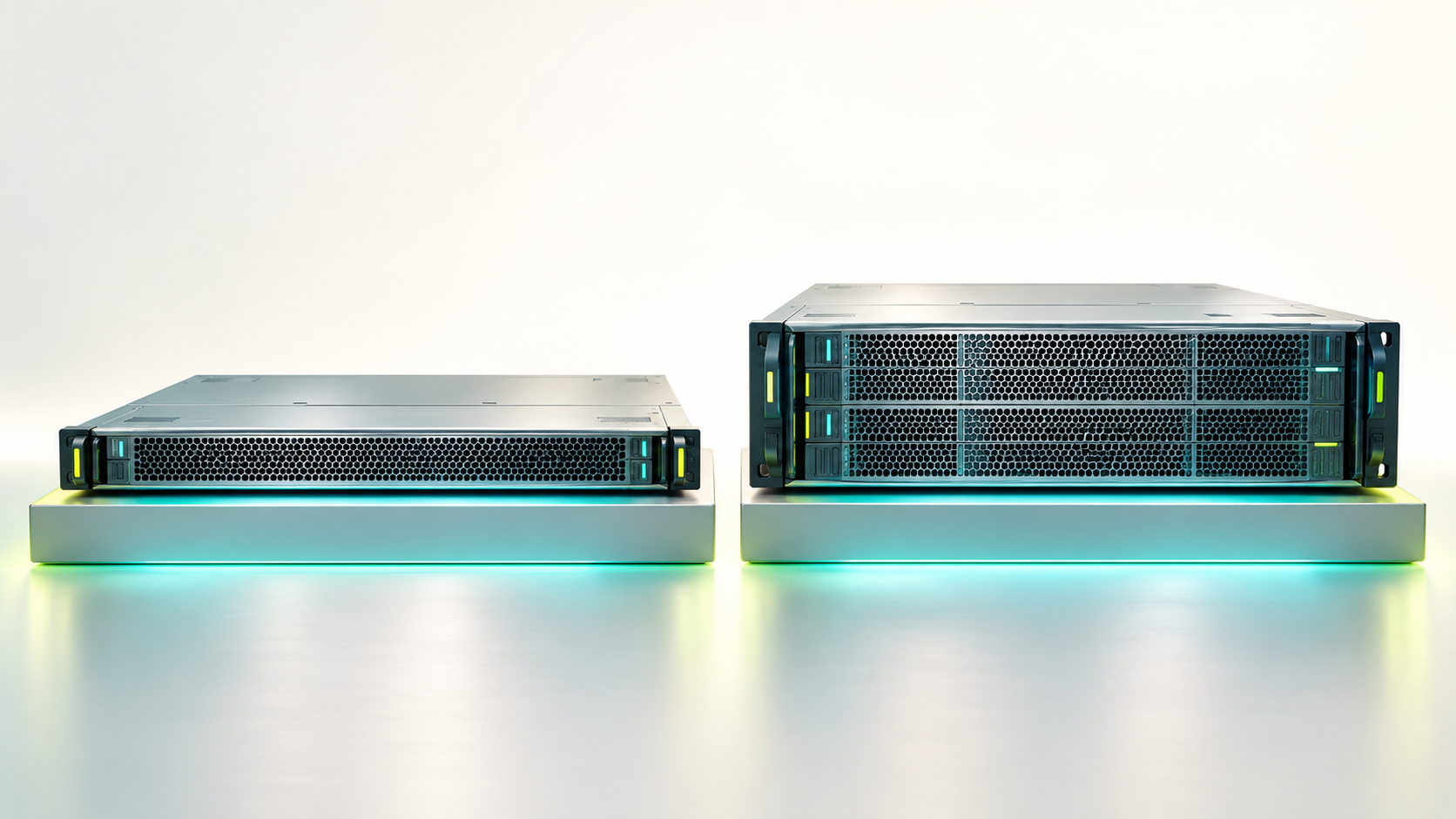
HPE specifies the DL360 Gen11 as a 1U rack platform and the DL380 Gen11 as a 2U rack platform. Those QuickSpecs are the configuration references for this comparison. Other generations require their own documentation.
Start with the constraint you cannot change
If rack space is your binding constraint, the DL360’s smaller height makes it a sensible candidate to evaluate first. If the design depends on multiple expansion cards or a particular local-storage layout, investigate the DL380’s configuration options early. Neither starting point is a recommendation to skip a compatibility review.
Write down the physical requirements before selecting processors: rack depth, rail fit, power connections, airflow, network ports, drive format, and planned add-in cards. Discovering a missing cable or blocked expansion slot after delivery can delay a deployment that looked straightforward on paper.
Compare installed resources, not headline maxima
A server family’s maximum memory, drive count, or slot count describes possibilities across supported configurations. It does not tell you what is installed in an individual unit. HPE’s QuickSpecs include dependencies involving processors, risers, drive cages, cooling, and cabling. Validate the proposed combination as a whole.
- For virtualization, compare measured memory demand, processor requirements, network traffic, and storage latency at peak load.
- For a database, identify whether capacity, latency, transaction throughput, or software licensing is the main constraint.
- For an expansion-heavy system, list each adapter and confirm its size, slot placement, and supporting hardware.
- For local storage, specify the required usable capacity and protection scheme before choosing drive quantities.
A simple example: two branches with different needs
Imagine a branch office whose applications use shared storage and require only a small, clearly defined set of adapters. Its evaluation might begin with a compact 1U configuration. Another branch needs a larger local drive set plus several specific adapters. Its evaluation might begin with a 2U configuration.
These are planning examples, not validated bills of materials. The next step in both cases is the same: check the exact chassis, controller, drive bays, risers, processors, cooling, and power supplies against the manufacturer’s rules. Physical height does not determine application performance.
Budget for deployment and growth
Compare the total required purchase, including rails, optics or cables, operating-system and application licensing, support, migration work, and any missing components. Leave a clear growth plan: what can be added, which prerequisites it needs, and whether the expected upgrade is practical.
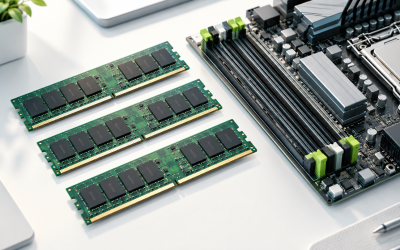
It is also worth comparing a targeted upgrade to replacement. If an existing host is constrained by memory, first establish whether a supported memory expansion resolves the problem. If several resources and support requirements are changing together, a replacement configuration may be easier to evaluate.
What to include in your quote request
Send CBS your workload summary, current utilization, required usable storage, network connectivity, application requirements, rack constraints, and growth expectations. Ask for a line-by-line configuration so the two candidates can be compared fairly.
Browse CBS server options, use the parts-by-server-model tool for an existing system, or request a configuration quote. For drive selection, continue with our enterprise SSD buying guide.